Tab + mic, mixed
Capture the tab's video and audio, and talk over it with your microphone. You keep hearing the tab while you record.
Chrome extension · Free
Reelo records a Chrome tab with its sound and your microphone, then saves an MP4 right on your computer. No watermark. No time limit. Nothing uploaded.
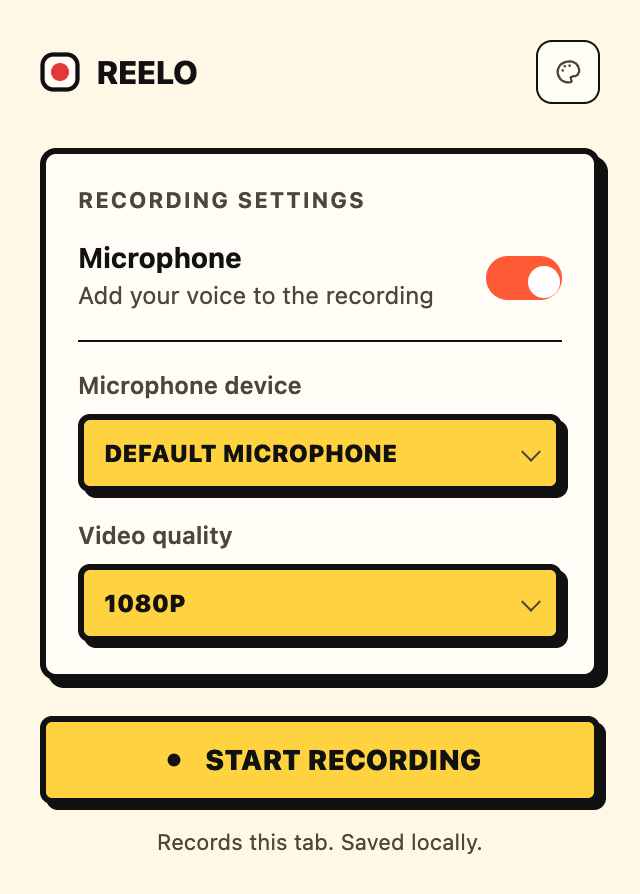
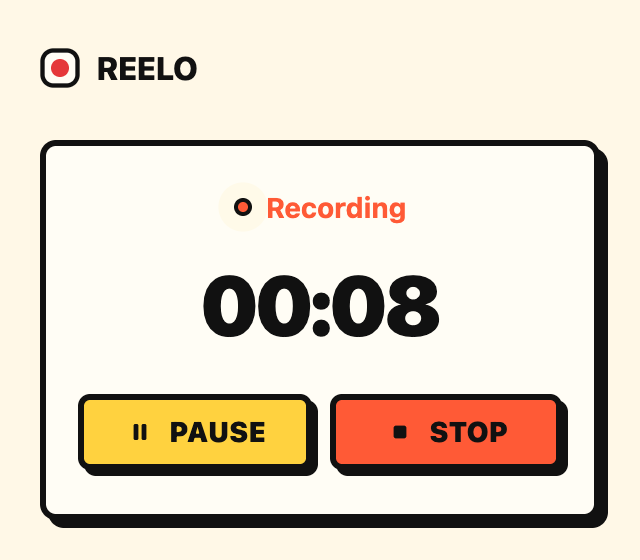
Capture the tab's video and audio, and talk over it with your microphone. You keep hearing the tab while you record.
Saves MP4 (H.264 + AAC) when Chrome supports it, with WebM as a fallback. Plays in QuickTime, VLC, and anywhere you upload.
No account, no cloud, no analytics. Your recording stays on your computer until you download it.
Record a 2-minute bug report or a 2-hour session. Chunks are saved as you go, so long recordings stay safe.
Pause when you need to. Keep browsing other tabs — the recorded tab keeps recording.
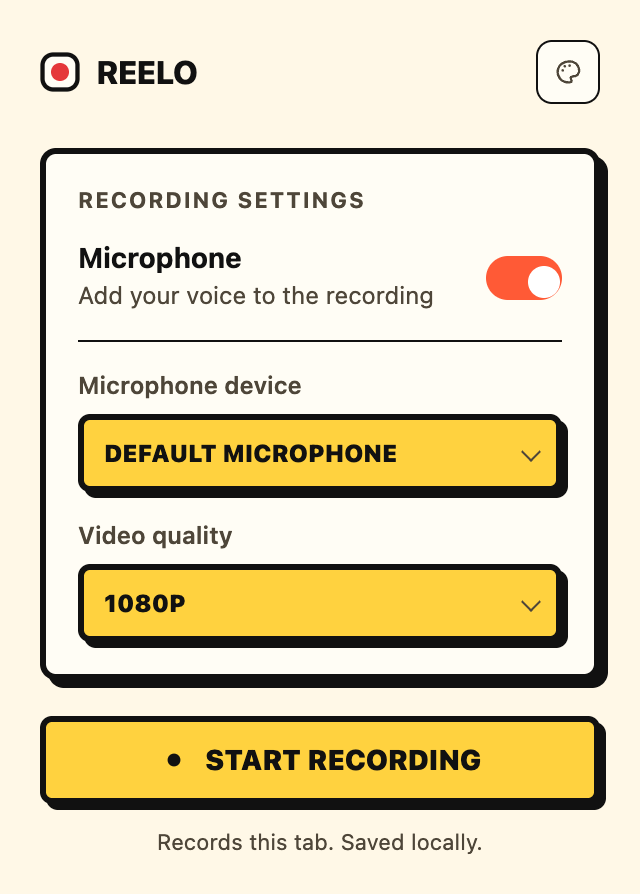
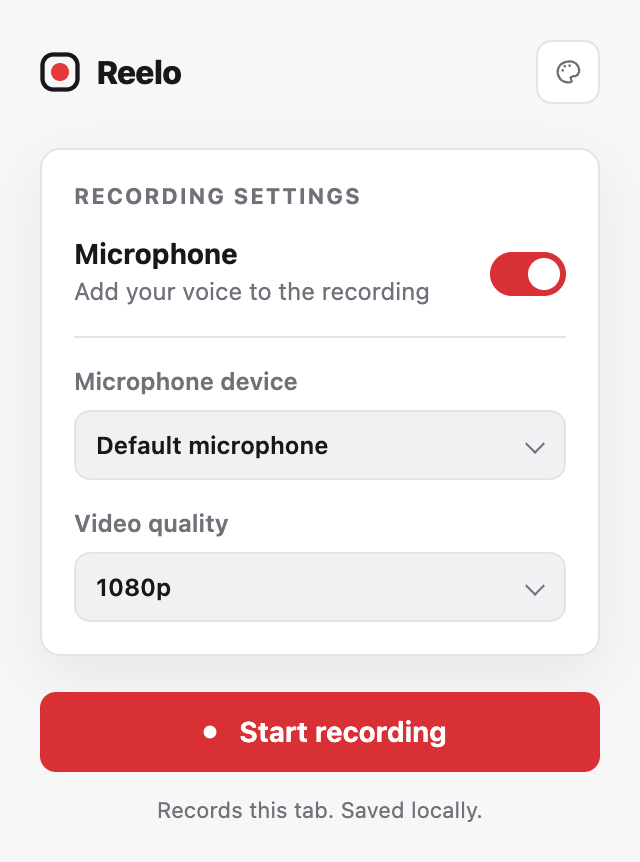
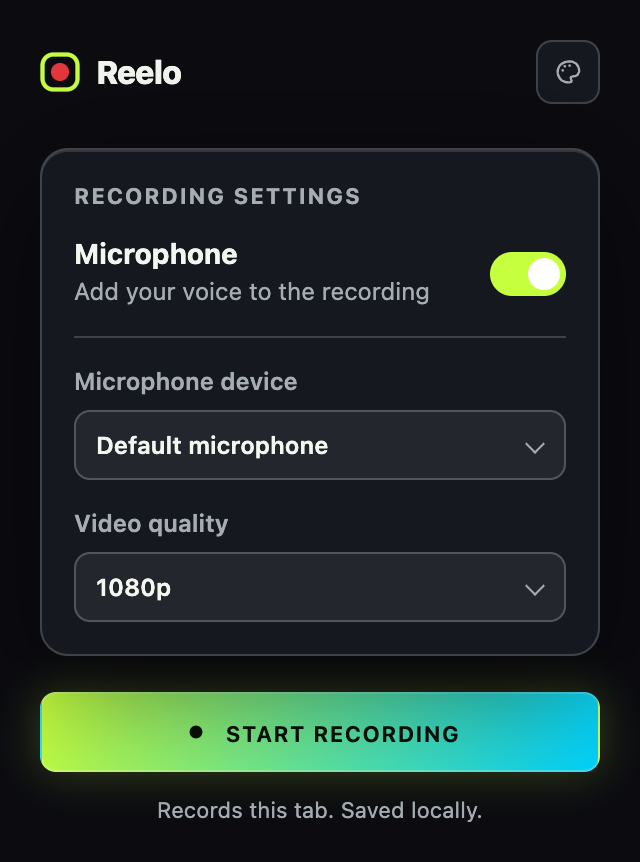
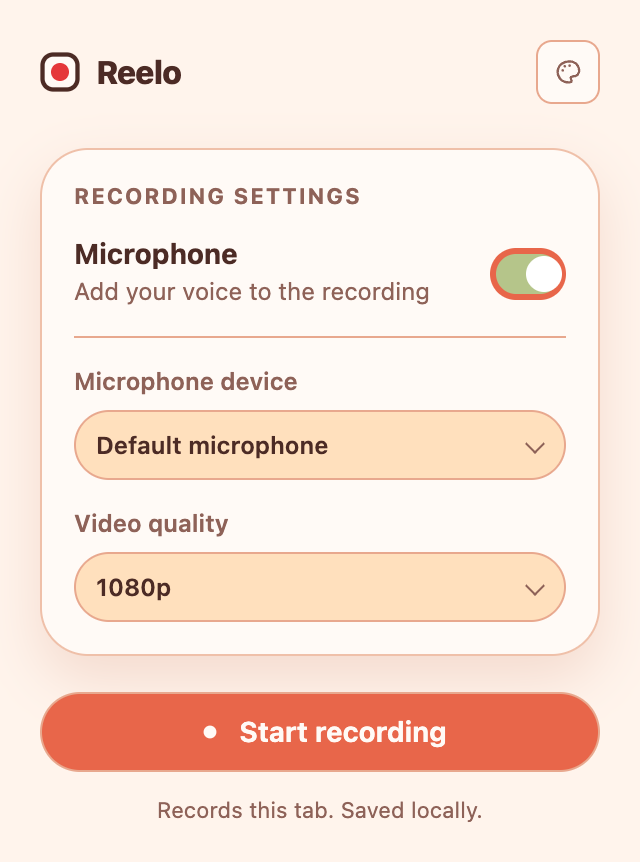
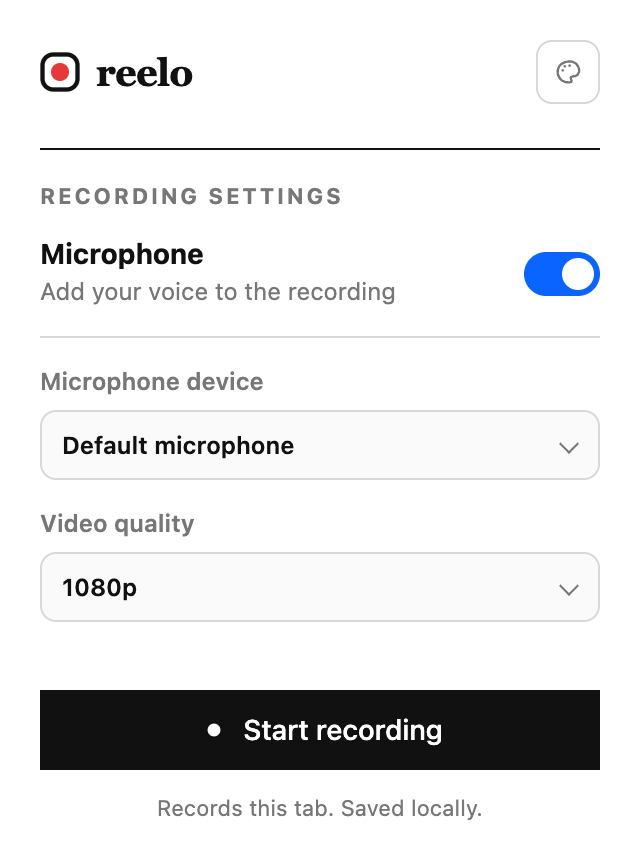
Make it yours. Five free looks for the recorder — from bold Sticker to a dark Studio.
Open the tab you want to record and click the Reelo icon in the toolbar.
Turn the mic on if you want your voice, choose 1080p or 720p, and start.
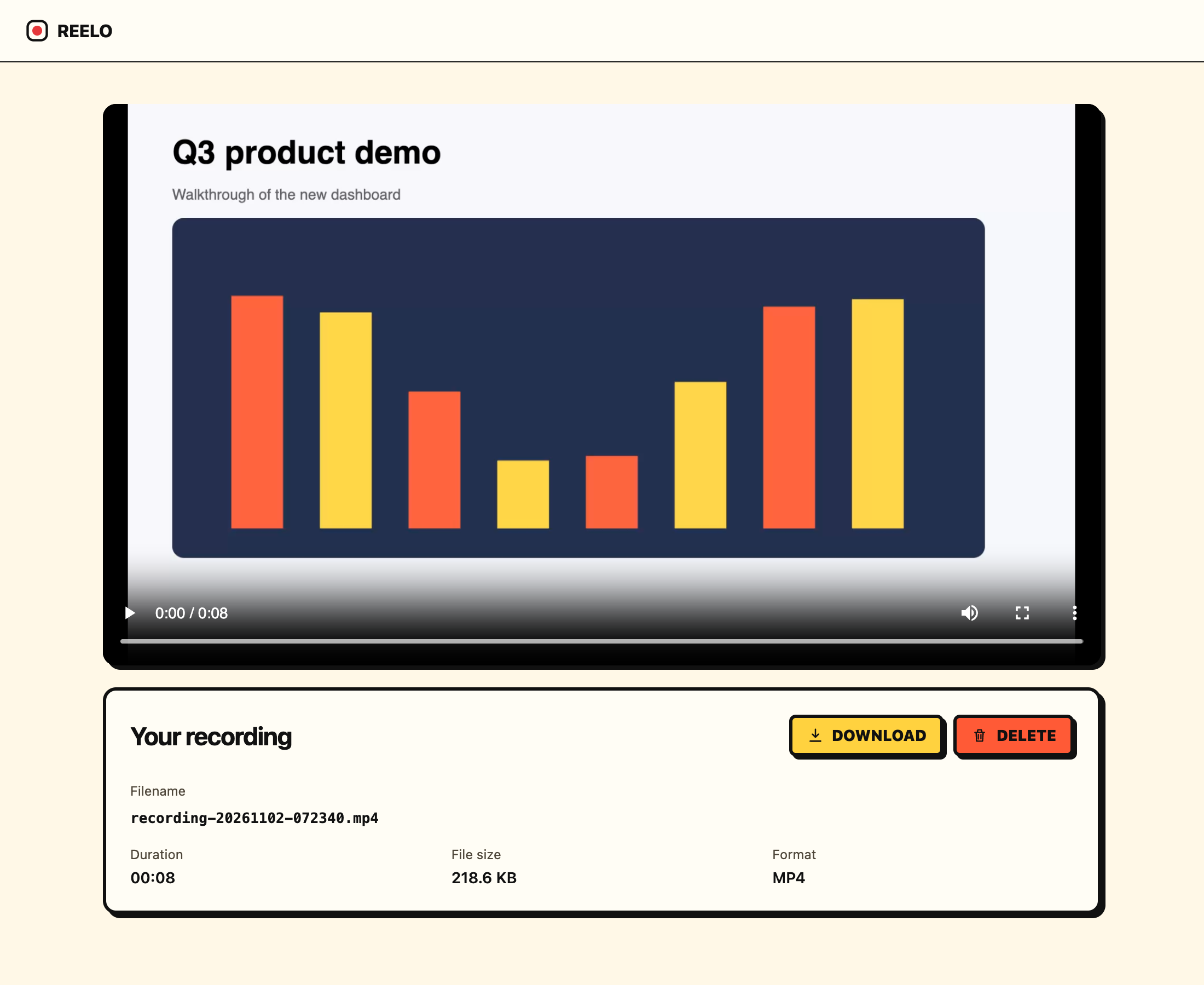
Stop when you're done. Watch it back, then download the MP4 or delete it.
Five looks, all free. Switch any time from the palette button in the popup.
No. Reelo has no server. Recordings are stored in your browser while you record and saved to your computer when you click Download. There are no accounts and no analytics.
MP4 (H.264 video, AAC audio) on current versions of Chrome. If your Chrome can't record MP4, Reelo falls back to WebM.
No watermark and no time limit. Recording length is only limited by your free disk space.
One Chrome tab — its picture and sound — plus your microphone if you turn it on. It doesn't record your whole screen or other apps.
Reelo is free: no watermark, no time limit, no account, and every skin included.
Reelo is being prepared for the Chrome Web Store. Check back here soon.